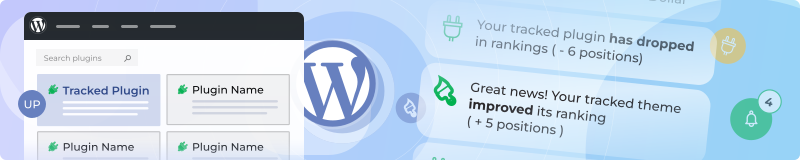

Track your WordPress plugin's or theme's position for keywords in the WordPress.org directory with our WP ranking monitor. Know when visibility changes so you can optimize and stay competitive in WordPress directory search results.
Easy WordPress Ranking Configuration
Enter your WordPress plugin or theme slug and list target keywords (one per line) for WordPress directory SEO tracking. Pick the WordPress language/locale to see how you rank in different markets for directory searches.
Monitor multiple WordPress plugins or themes, or set up trackers for competitor products—perfect for WordPress directory benchmarking.
Two Ways to Track Your Rankings
- Regular Ranking Reports: Get scheduled reports (daily, weekly, or monthly) with rankings per keyword and changes compared to the last report. Perfect for tracking trends over time.
- Alerts for Ranking Changes: Get notified when your WordPress plugin or theme ranking shifts by at least a certain number of positions (you choose the threshold). Rankings are checked once per day, and you'll only get alerted when significant position changes happen.
How You Get Updates
- Individual emails per ranking change
- Central ranking feed
- Daily movement digest
- Weekly summary
- RSS
- Telegram
- Chrome extension
- Mobile push
WhatsApp, FB Messenger, and WeChat coming later.
Why This Matters
Track progress for important keywords. Benchmark against competitors. Spot sudden drops or gains. Optimize your readme, tags, and descriptions based on real data. Make informed decisions about your WordPress product strategy.
Setup
- Choose Plugin or Theme
- Enter slug(s)
- List target keywords
- Pick WordPress language/locale
- Set alert preferences and reporting interval
- Name your tracker
- Get alerts and view historical ranking data
Always know how your plugin or theme stands in WordPress search. React quickly and maintain your competitive edge.