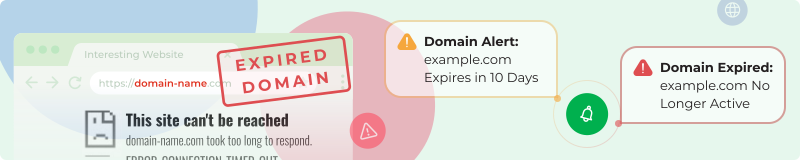

Track domain expirations and get customized alerts with our domain monitoring service so you never miss a renewal. Avoid costly downtime and recovery fees.
Easy Domain Monitoring Configuration
Enter the domain name (like example.com). Monitor multiple domains—keep all digital assets covered with a single domain monitoring feed. Set how many days before expiration you want domain alerts (like 10 or 30 days)—choose the ideal warning period for your workflow. Optionally enable alerts when domains actually expire, so you're instantly aware if renewal fails.
Domain Expiry Setup
- Enter domain(s) to monitor for expiration
- Set advance-warning period (like 10 days before domain expiry)
- Enable expiry alerts if desired (notified immediately if domain renewal lapses)
- Name your domain tracker
- Get instant domain expiration notifications
Get Your Domain Alerts
- Individual emails per upcoming or actual domain expiry
- Central domain tracking feed
- Daily summary of pending expirations
- Weekly expiry status digest
- RSS for domain monitoring
- Telegram for urgent domain alerts
- Chrome extension for domain notifications
- Mobile push for critical expiration warnings
WhatsApp, FB Messenger, and WeChat coming soon.
Perfect For Domain Management
- Domain investors and portfolio owners: Managing multiple domains for expiration tracking.
- Webmasters: Preventing domain downtime and loss.
- Businesses: Protecting brand and digital assets from domain lapsing.
- Agencies: Responsible for client domains and renewal management.
Domain Monitoring Features
Customizable alert timing—get notified exactly when you want about domain expiration. Multiple domains in one tracker. Immediate expiry alerts for maximum domain protection. Centralized dashboard for full domain visibility.
Maintain control over your domain assets—avoid costly restoration fees, lost traffic, and branding risks.