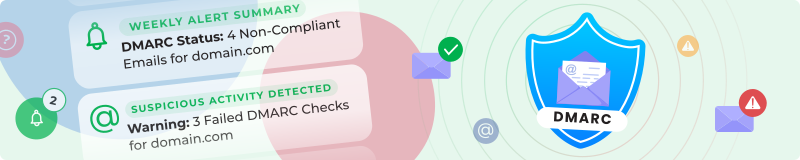

Monitor your DMARC records and catch email security issues before they damage your brand with our DMARC email authentication tracker.
Easy DMARC Setup
Enter the domain(s) you want to track for DMARC monitoring. We'll guide you through publishing the recommended DMARC record in your DNS, including options for DMARC aggregate and forensic email reports. Even if you're new to DMARC email authentication, the setup instructions make it straightforward.
What We Monitor for DMARC Compliance
We receive and deliver your DMARC aggregate reports with detailed email statistics:
- Total emails reported
- Compliant emails (passing SPF and DKIM authentication)
- Non-compliant emails (failing authentication)
- Rejected emails
- Quarantined emails
Set your DMARC notification preferences for regular email security reports or threshold-based alerts—you only get relevant DMARC updates.
Get Your DMARC Alerts
- Individual emails for critical email security incidents
- Central DMARC monitoring feed
- Daily DMARC digest
- Weekly email authentication summary
- RSS
- Telegram
- Chrome extension
- Mobile push for DMARC alerts
WhatsApp, FB Messenger, and WeChat coming soon.
Why Use DMARC Monitoring?
Detect and respond to phishing or email spoofing attempts fast. Track DMARC policy changes and ensure email authentication compliance. Get visibility into all services sending email on your behalf. Monitor SPF, DKIM, and DMARC alignment for email security.
DMARC Tracker Setup
- Enter your domain(s) for DMARC monitoring
- Follow setup instructions to configure DMARC reporting
- Choose DMARC notification schedule and alert thresholds
- Pick delivery channels for email security alerts
- Get instant and scheduled alerts about critical DMARC events
Whether you're just starting with DMARC email authentication or managing multiple domains, this DMARC monitoring tool gives you visibility, intelligence, and rapid response to email security threats.